
Eva
Run your event from one calm hub — before, during, and after.
Create it, invite by link or QR, and keep everyone in the loop when plans change — no group-chat chaos.
Free to start · No credit card · Guests always free · Start before signup
Already have an account? Log in
Day-of reality
When the schedule shifts, send one update — not 100 texts.
Last-minute call times, room changes, and weather pivots belong in one calm feed—not a group chat that never ends.
Before · Group chat
- Wait which room??
- Mom said 6:30 not 6
- Who has the updated program
- Can someone resend the link
- 👍👍👍 (42 unread)
After · Eva hub
- Announcement · Call time moved to 6:30 — Room B
- Program · Order updated for Act 2
- Everyone following this event sees it once
Built for community, nonprofit, and cultural organizers
Dance schools · Community organizations · Nonprofits · Arts centers · Cultural associations
Lead with recitals, chapter gatherings, and cultural programs—the day-of updates and guest lists that usually spill into group chat.
Not built for ticketed conferences or enterprise event ops.
Also works for weddings and sports teams when you need the same calm hub.
How Eva works
From first invite to live updates—in one hub.
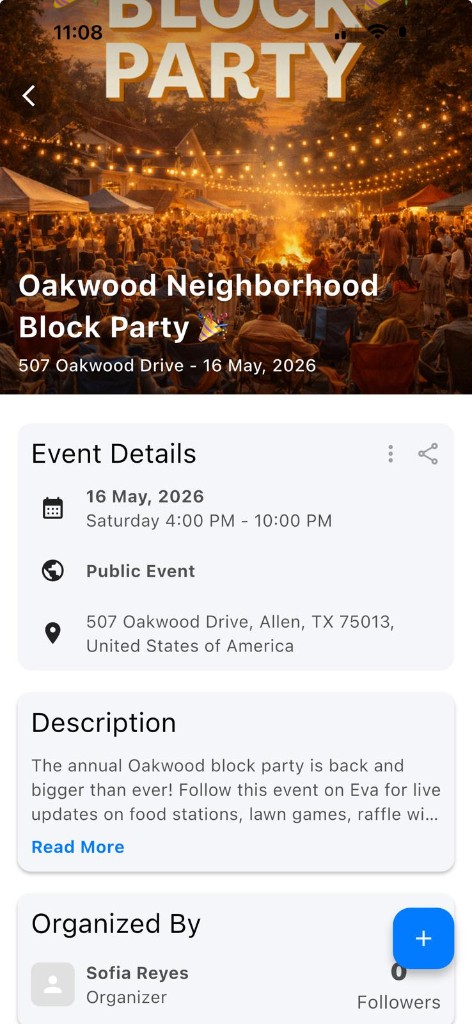
Create, share a QR or link, then keep every guest aligned—no signup needed to start.
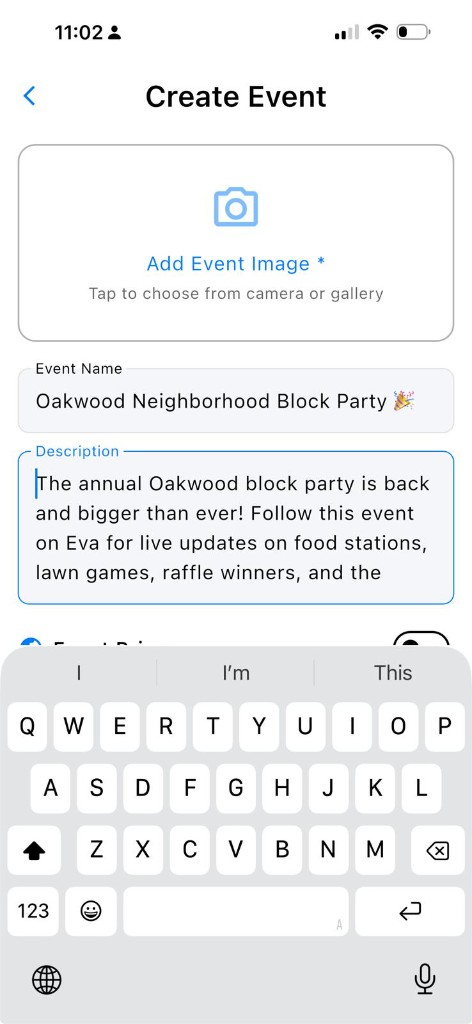
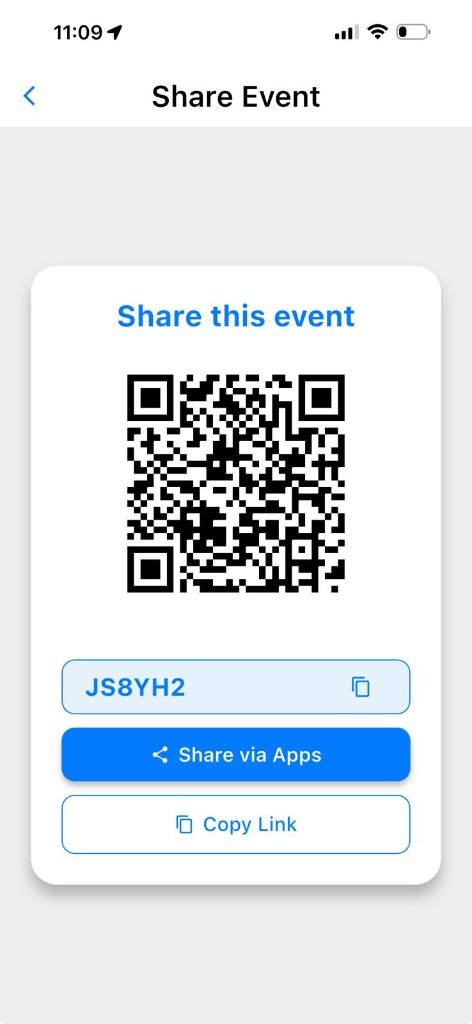
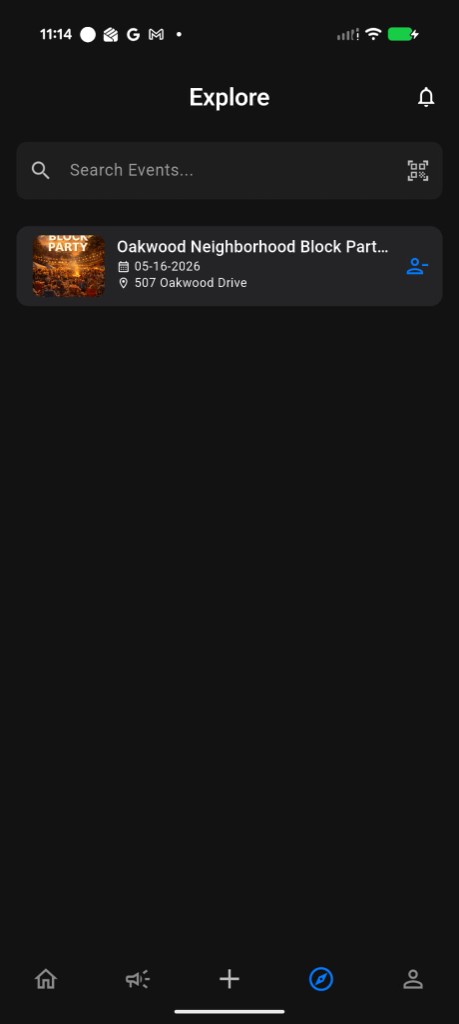
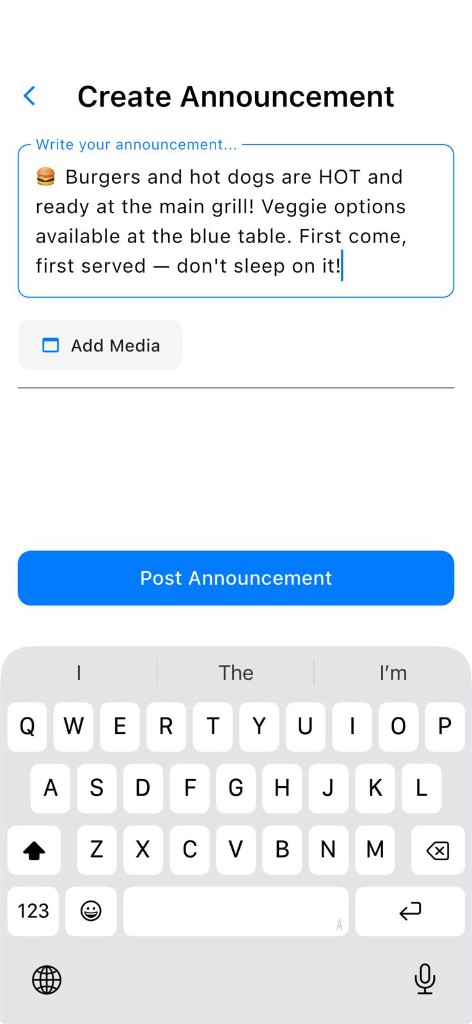
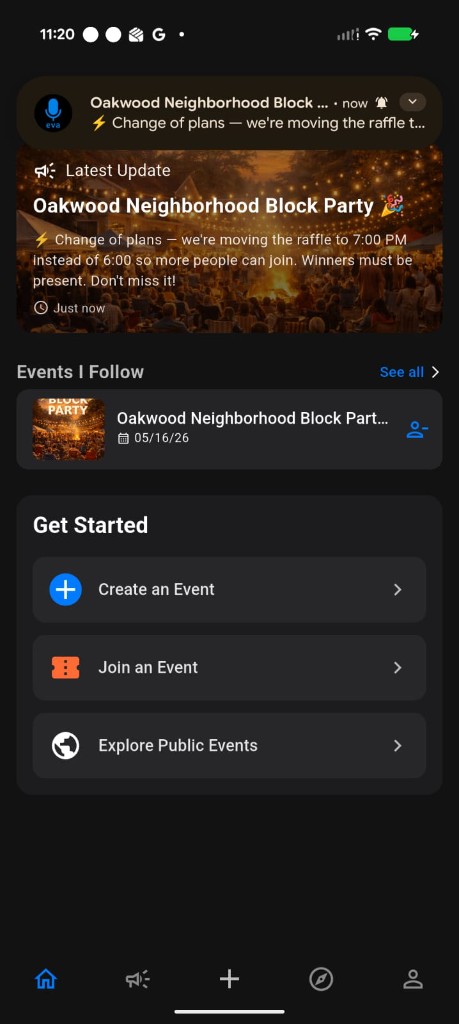
Showing step: Create — Set up your event
Real events are already running on Eva
Trusted for community programs and cultural performances.

One Earth One Chance
Nonprofit chapter · Community & volunteer events
One hub for attendees, volunteers, and day-of updates across chapter gatherings.
View on Eva
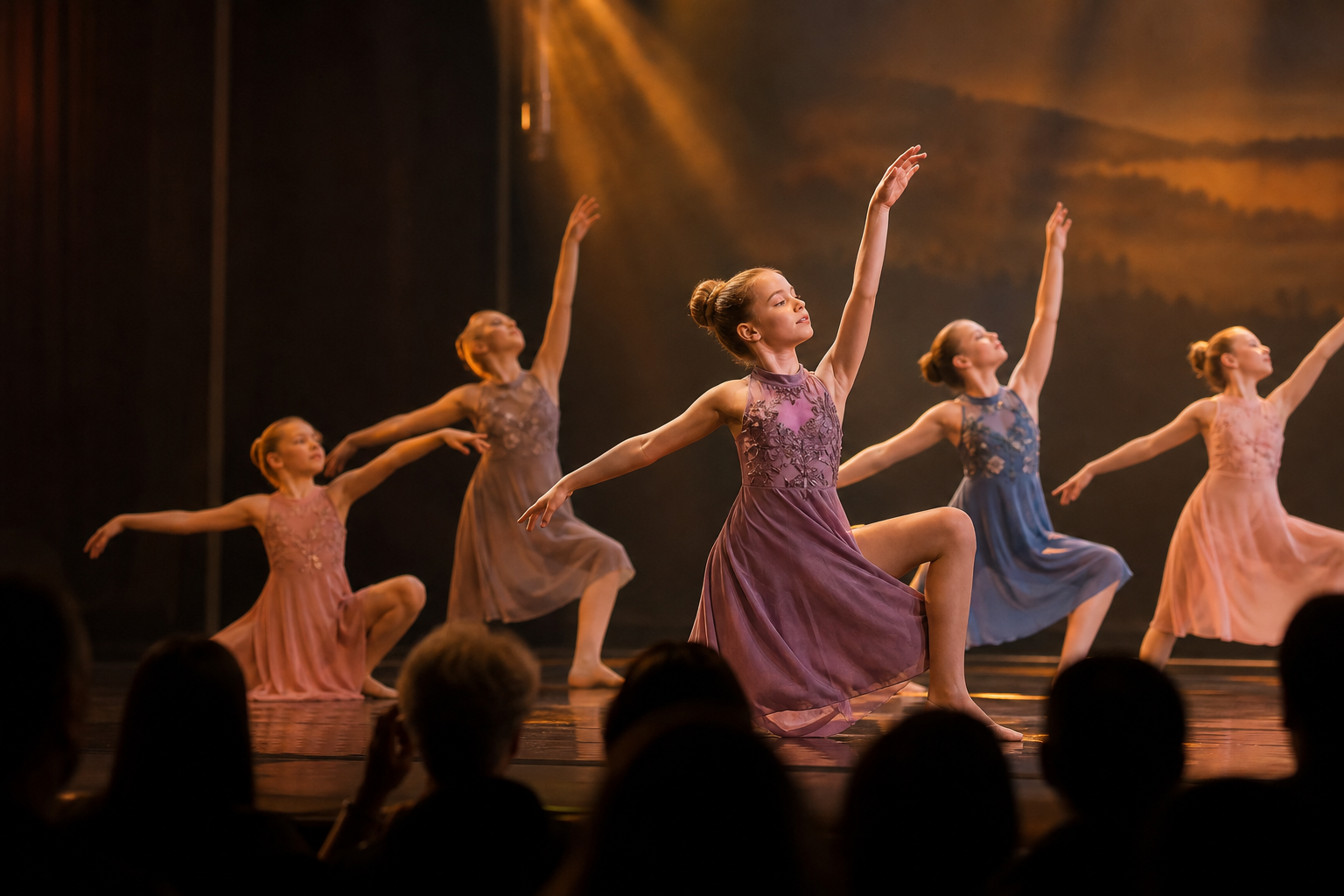
Guests stayed aligned on program, timing, and live updates—without group-chat chaos.
Classical dance recital organizer
Built first for community, nonprofit, and cultural gatherings.
Dance, community nights, and cultural programs lead. Weddings and sports work too—tap one to see how Eva helps.
Also a fit
Plan. Engage. Run.
The easiest way to keep your entire event on the same page.
Plan
Create and organize everything your event needs.
Engage
Invite people, collect RSVPs, and keep everyone informed.
Run
Keep your schedule, team, and guests aligned when the day arrives.
Choose how you use Eva
I’m organizing an event
Start shaping your invite right away—no account needed until you save or publish.
Start building — no signup required →
I’m attending an event
Follow with a link, QR, or code—then stay notified on web or mobile.
See how guests join →Download the app
Always free to follow events. Free to create and run on the Free plan.
Your next event can have one home
No credit card. Start before signing up. Free to create events—guests always follow free.
Create an event freeFAQ
Getting started
Quick answers—then open Help for the full guide.
How do I get started?
Open Create on the web and shape your invite—no account needed yet. Sign up free when you’re ready to save or publish, then share a link, QR, or short code so guests can follow in seconds.
Should I use the website or the app?
Organizers should start on the web Home—it has the fullest toolkit. Followers can use web or mobile; mobile is best for push alerts on site.
Is Eva free?
Yes. Following is always free. Free plan organizers get 2 events, 50 followers per event, and announcement limits at $0 forever. Paid plans start at $15/mo for more capacity—see Pricing for the full matrix.
Compare Eva vs Partiful · Eva vs Evite · Recitals & nonprofits